The thing you just built needs somewhere to live.
One command. Your app gets a URL, a login and a sandbox. It stays here when it grows.
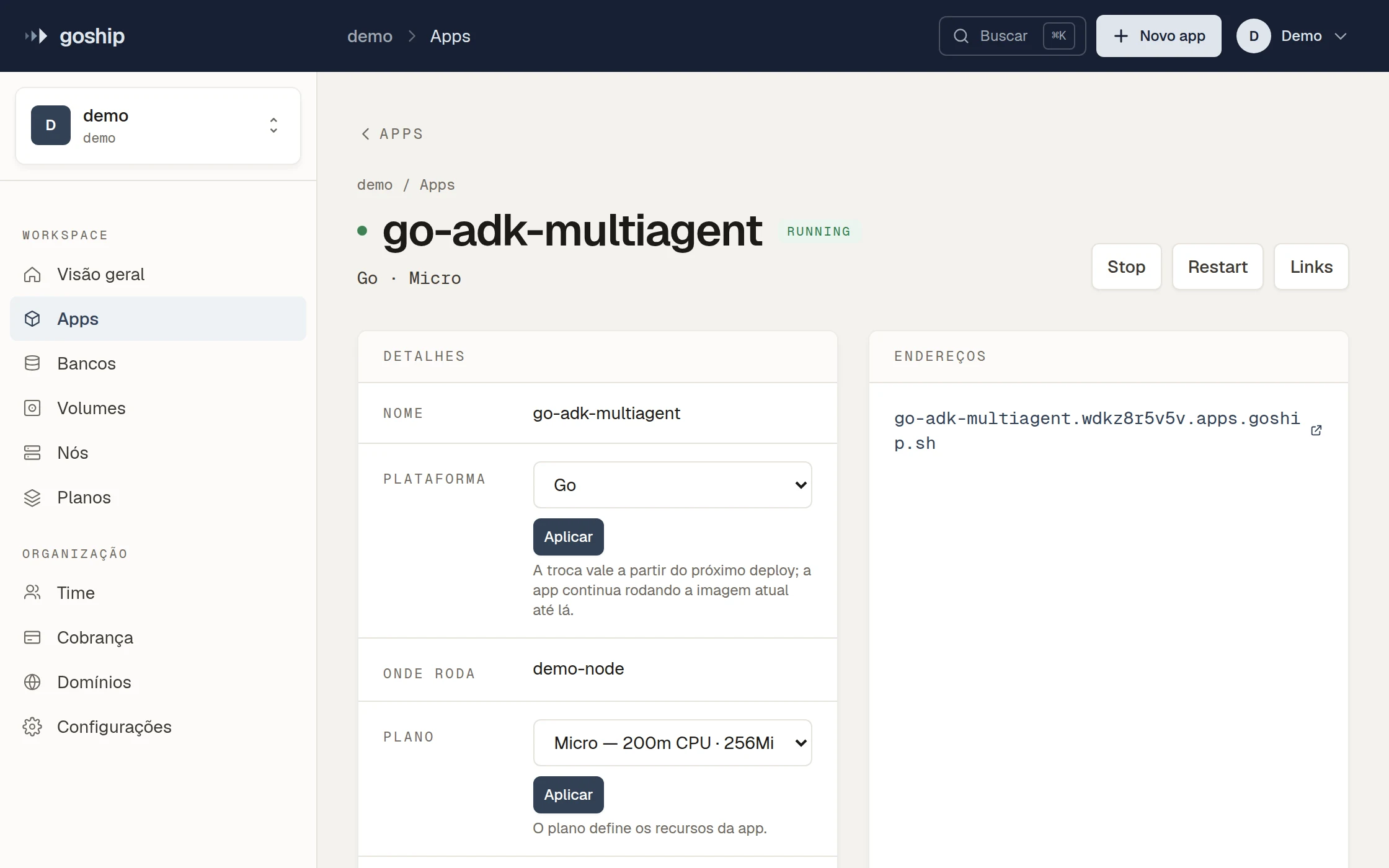
Small software should be as easy to share as a document.
An agent writes the tool in an afternoon. Then it lives on a laptop, on a shared server with root, or in a sandbox that disappears in fifteen minutes. A URL, a login, and it's done. GoShip is that URL.
From code to a URL in one command.
No Dockerfile, no cluster, no YAML.
Install the CLI
curl -fsSL https://goship.sh/install.sh | shOr let Claude Code do the deploy
/plugin install goship --marketplace coffeece/goshipWhat runs here
The internal tool
The dashboard, the form, the automation that solved one team's problem. With its own URL and login.
The MCP server or the agent
Chatbots, workflows, processes that take as long as they take.
The product that started small
API, database, custom domain. The same app, no rewrite when it became a business.
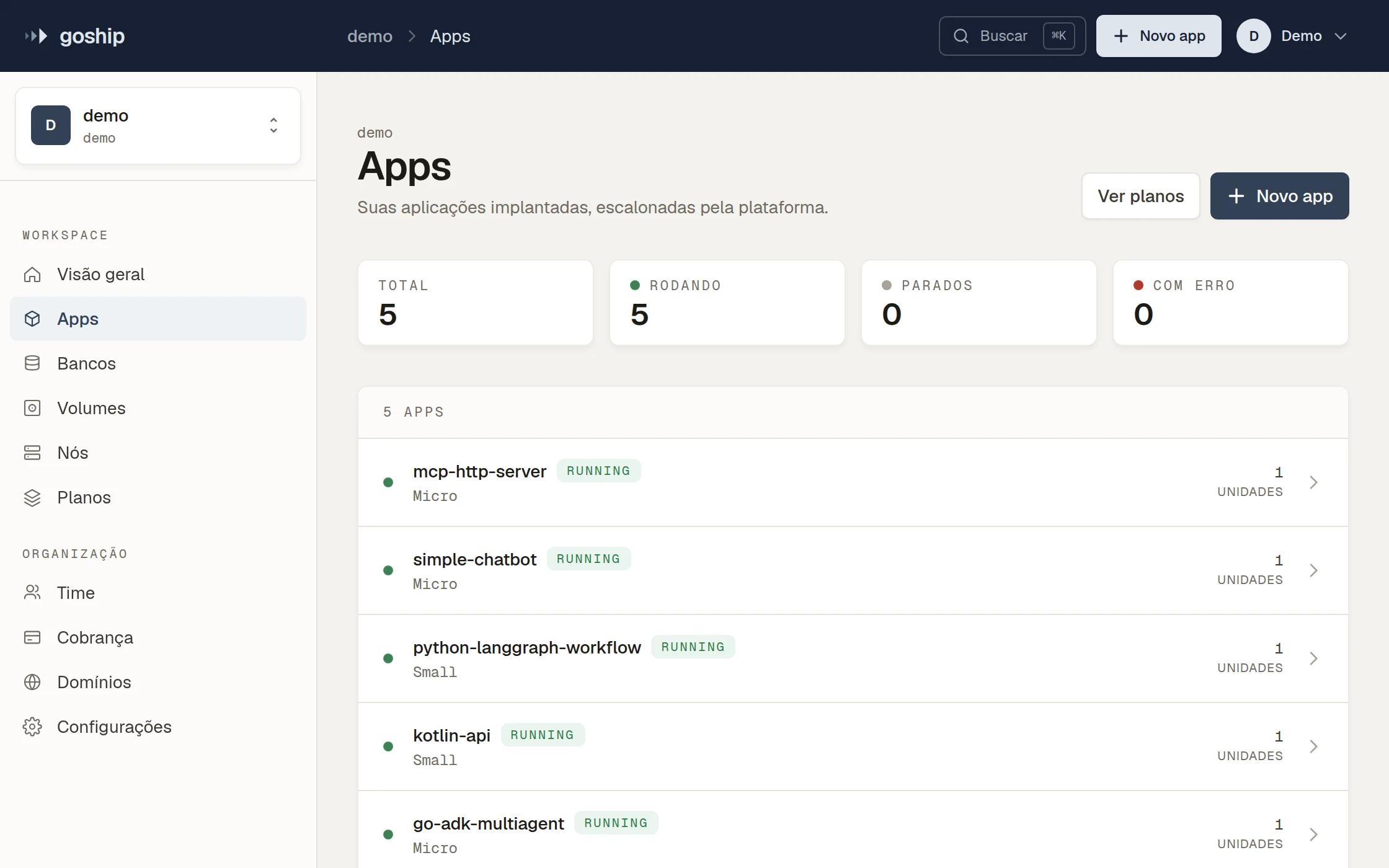
Starts small. Doesn't have to leave when it gets big.
We're not only for small software: we're where it grows without migrating.
Managed Postgres, with pgvector
A real database from the first deploy.
More units when you need them
Scale horizontally from the dashboard.
Custom domains and TLS
From the test subdomain to the company domain.
Teams, roles and quotas
Who can deploy what, and how much. Audited.
Long-running processes
Jobs and agents that take as long as they take.
On your own cluster
The same platform on hardware you own.
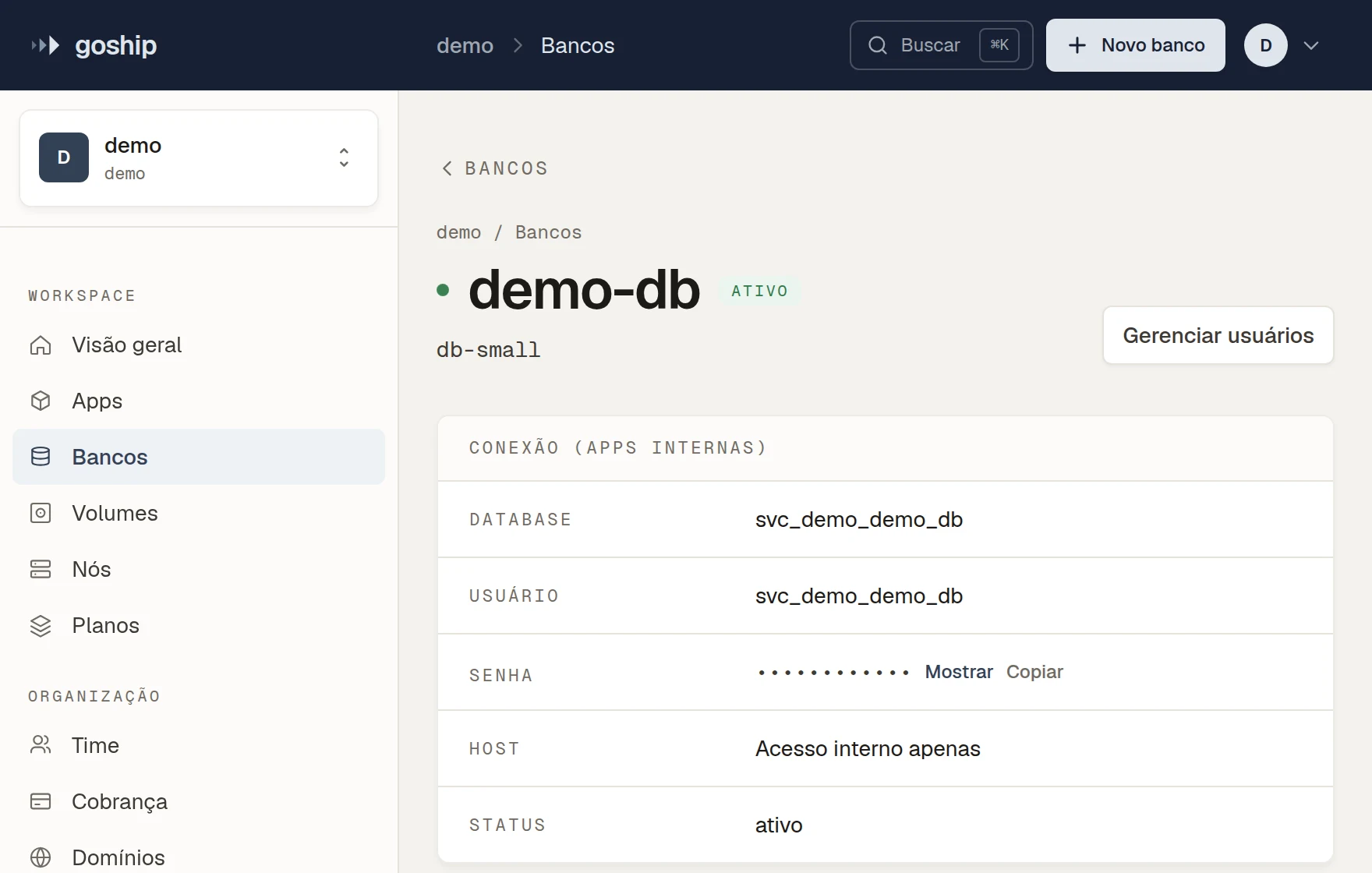
Your hardware.
Have a cluster of your own: connect a server over SSH or a Kubernetes cluster by kubeconfig. GoShip installs and runs the platform on it. Same URL, your machine.
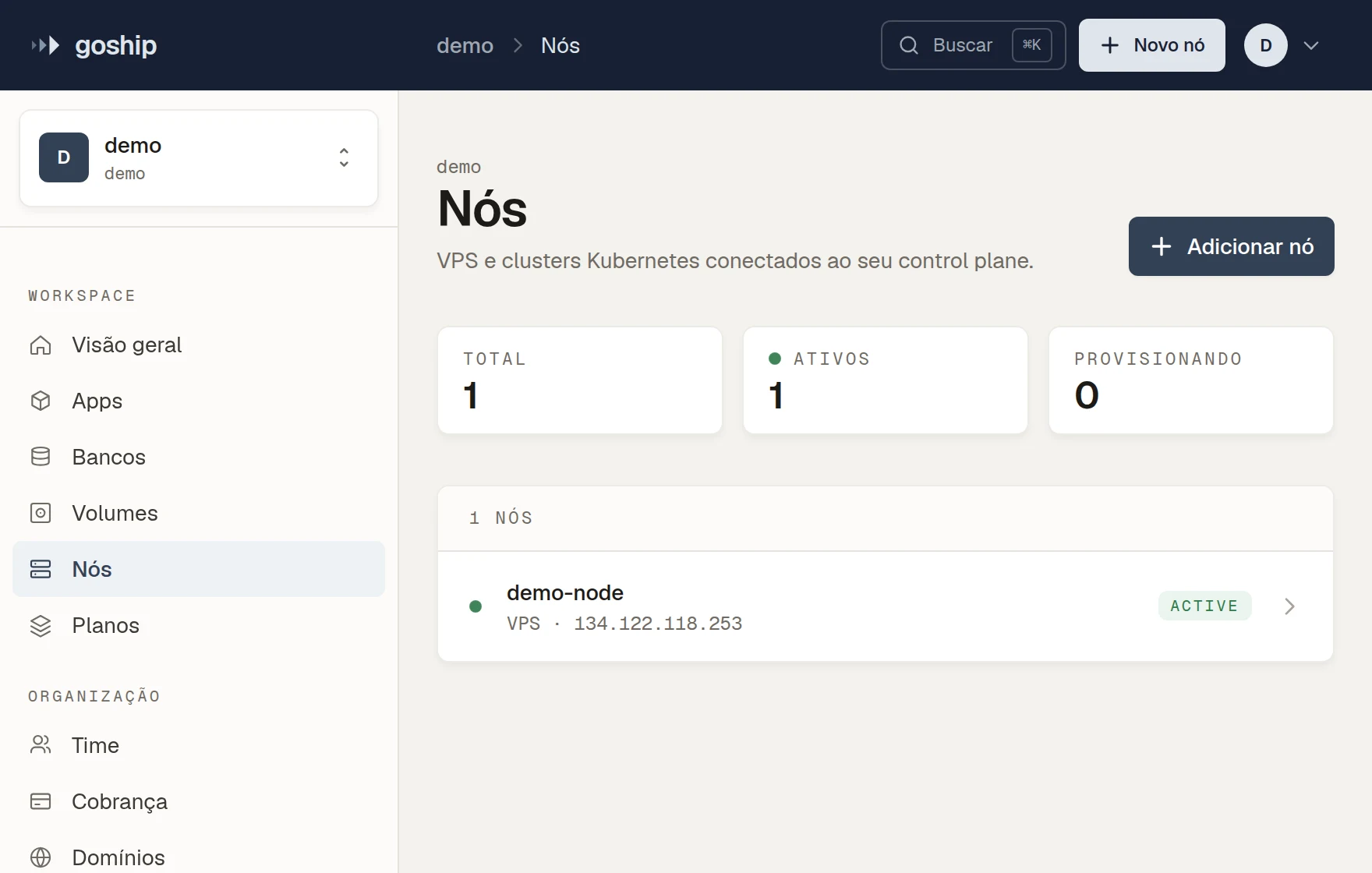
Your cloud account.
Connect an AWS, DigitalOcean or Google Cloud account and GoShip creates the clusters in it.
Connect with Google asks for access to your Google Cloud projects. GoShip uses it to set up a workload identity pool named goship in the project you pick, then deletes the Google token. From then on it reaches the project with short-lived credentials, only to create, run and remove what you ask for. Remove it from the dashboard, or delete the pool, and the access ends. More in the privacy policy.
Closed beta, by invite.
Per-resource billing · no metered surprises · commercial use allowed.